You are browsing corvette7 

 10-14-2013, 10:16 AM
|
#1 |
  
Drives: 2013 TT ZL1 Join Date: Jun 2013
Location: NorCal
Posts: 849
|
Help me with pictures please
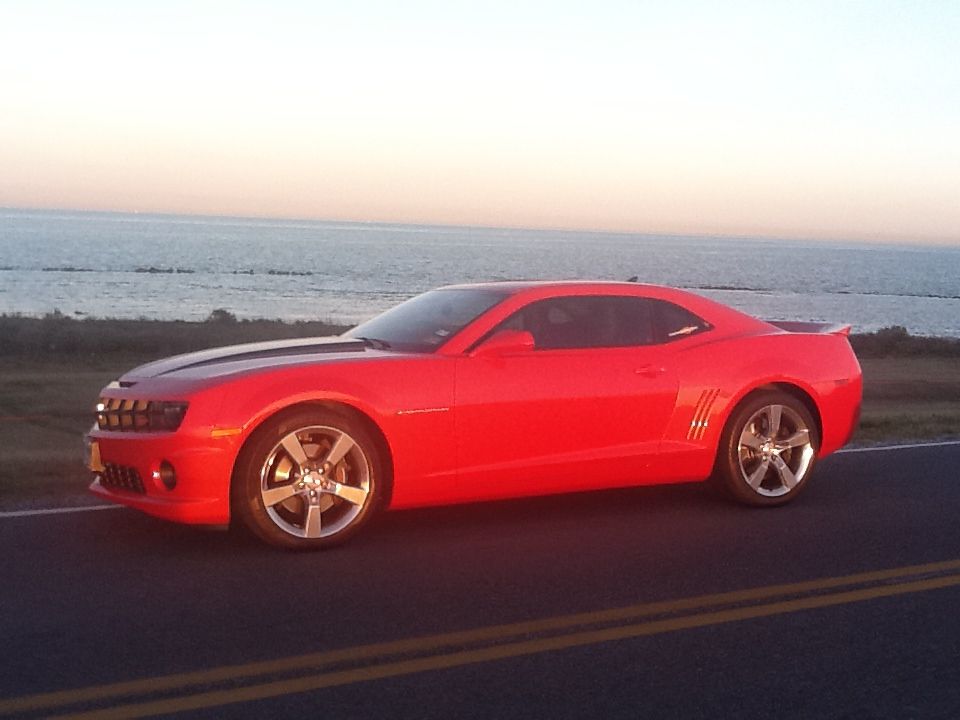
How do I get pictures from my phone onto this site? I have a Samsung Galaxy S 3. I don't have photobucket, instagram or anything else, I do have Facebook though. I have a for sale thread in the classifieds titled "deal of a lifetime" I really need to get pictures up to show how clean the car is. Can someone please help? I'm not the most tech oriented person I know. Please help!
|

|

|
|
10-14-2013, 10:53 AM
|
#2 |
  
|
Download phony bucket. Register a quick account. Use the photbucket app to upload the pics straight from ur phone. They will then be on there and to the right of the pick will be an "IMG" code. Click to copy it. Then paste in text box on here
__________________
 2013 SS/RS 1LE VR-Backup System, SOLO Perforsance HF Cats, Muffler Delete, BBK Off-road X-pipe 2002 35th Aniversary SLP SS-Sold |
|
|
|
|
10-14-2013, 10:55 AM
|
#3 |

Drives: 2010 Aqua Blue Camaro 2SS/RS Join Date: May 2013
Location: Long Island NY
Posts: 657
|
I add the photos to my photo album on my c5 profile then I use the URL from those to post it
__________________
|
|
|
|
|
10-14-2013, 11:36 AM
|
#4 |

Drives: 2014 Camaro 2SS, 2004 Dodge Ram 150 Join Date: Dec 2012
Location: Oregon
Posts: 574
|
Just click on the "go advanced" reply option, then manage attachments, and click on that then select on choose file. Then it should open up your pictures and you can upload them straight from there
__________________
 |
|
|
|
|
10-14-2013, 11:40 AM
|
#5 |
|
Forever Pontiac
Drives: 2012 Black 2SS/RS Join Date: Oct 2010
Location: Naples, FL
Posts: 1,389
|
You have the ability to upload directly to the forum, or use a 3rd party image hosting service.
__________________
|
|
|
|
|
10-14-2013, 03:20 PM
|
#6 | |

Drives: 2010 SS L99 Inferno Orange Join Date: Apr 2012
Location: Texas Coast
Posts: 1,167
|
Quote:
|
|
|
|
|
|
|
|
|
 |
|
|





